Create. Read. Edit.
All in one app.
Create PDFs, edit text, draw, highlight, sign, scan documents, search with OCR and convert between PDFs, images and text.
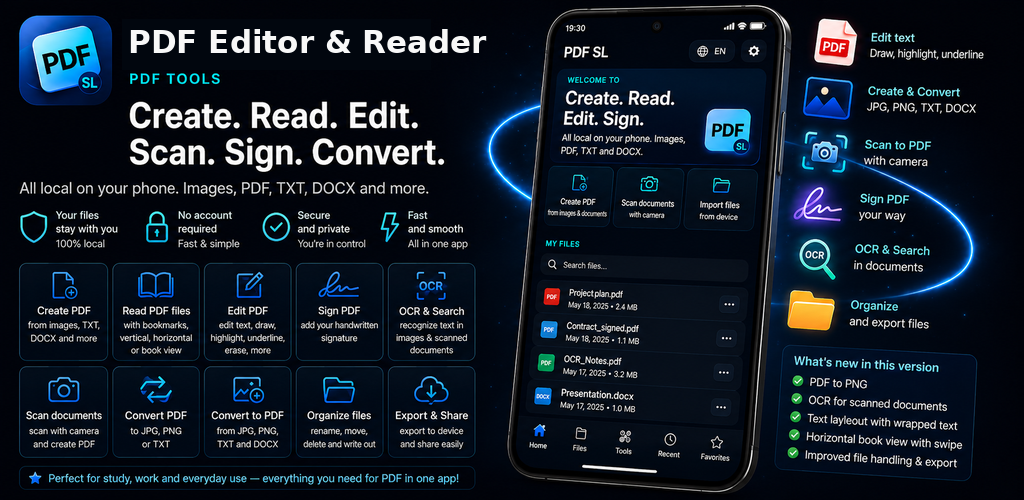
PDF tools without the clutter.
Reading, editing, signing, OCR, scanning and file conversion in one clear mobile interface.
Create PDF
Build PDFs from images and documents.
Edit PDF
Edit text and work visually inside your document.
Draw, highlight & sign
Pen, highlighter, eraser and signature tools.
OCR & search
Search text and use OCR on scanned pages.
Convert
Convert between PDF, JPG, PNG, TXT and DOCX.
Reading mode
A clean, mobile-friendly text view for comfortable reading.
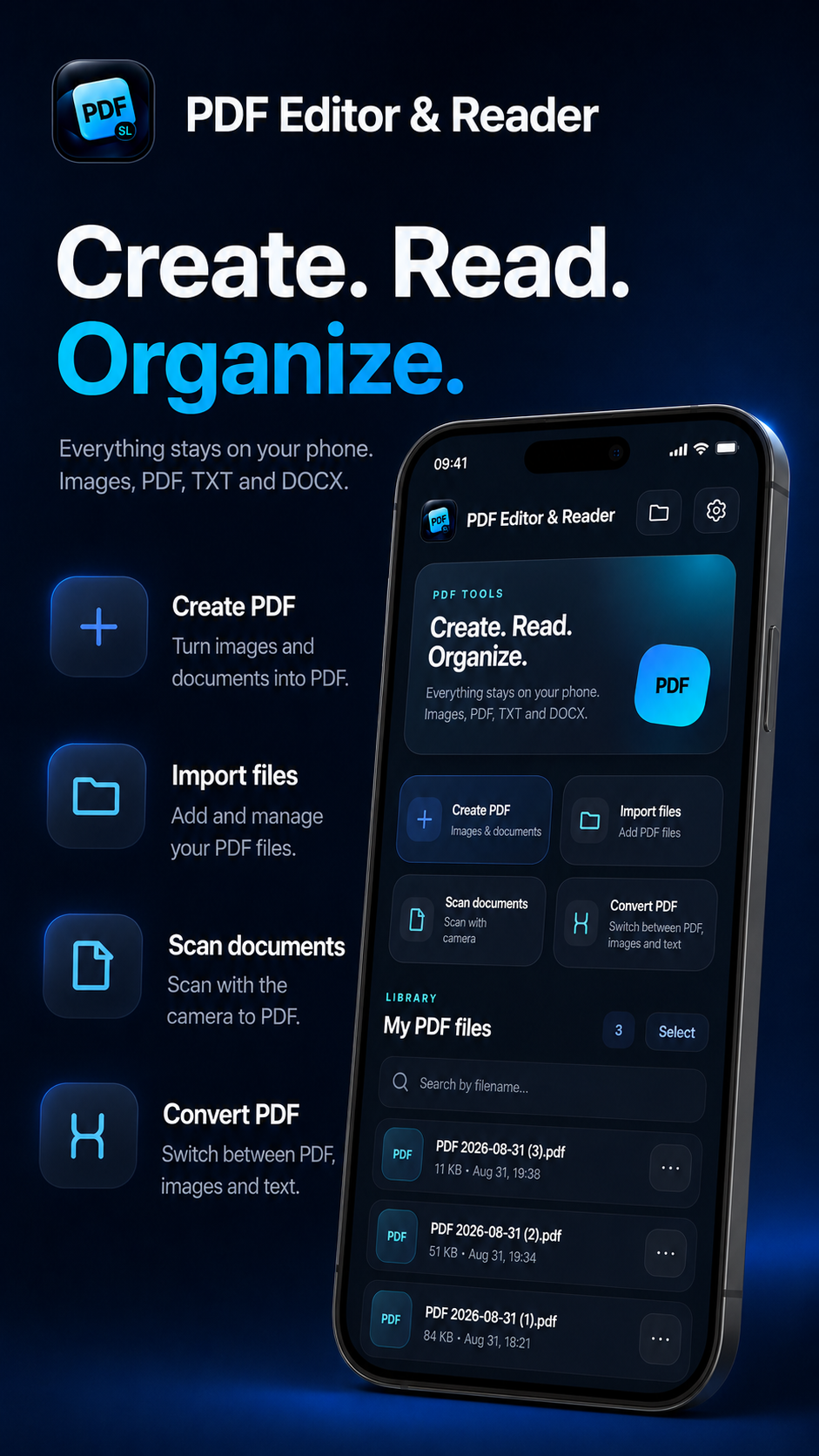
Create, read and organize PDFs.
The home screen keeps your main tools and PDF library in one place.
- Create PDFs from images and documents
- Import existing PDFs
- Scan with the camera
- Convert files directly
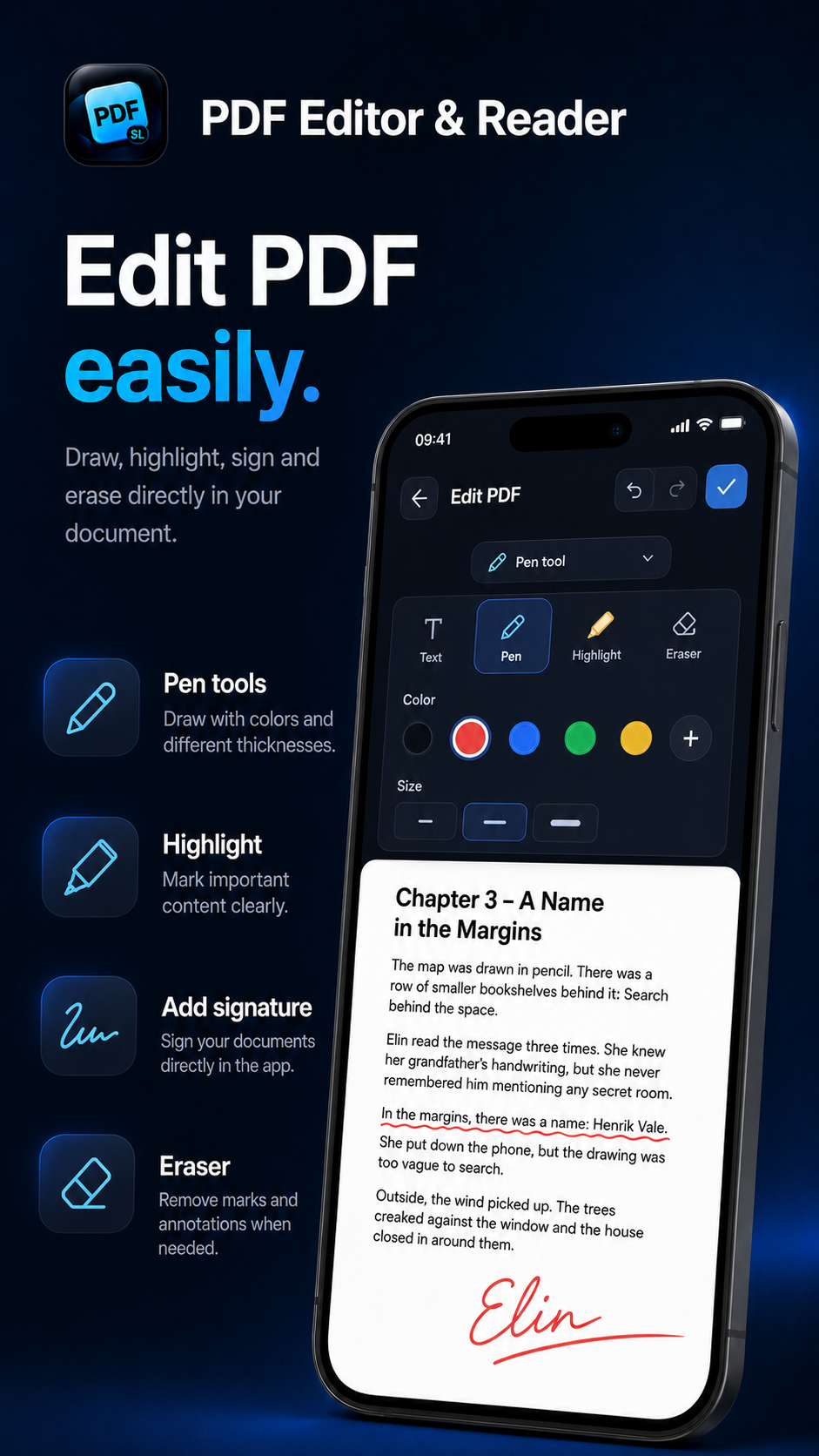
Draw, highlight and sign.
Use the PDF editor to work directly on top of your document.
- Pen and color controls
- Highlight important text
- Add a signature
- Undo, redo and adjust stroke width
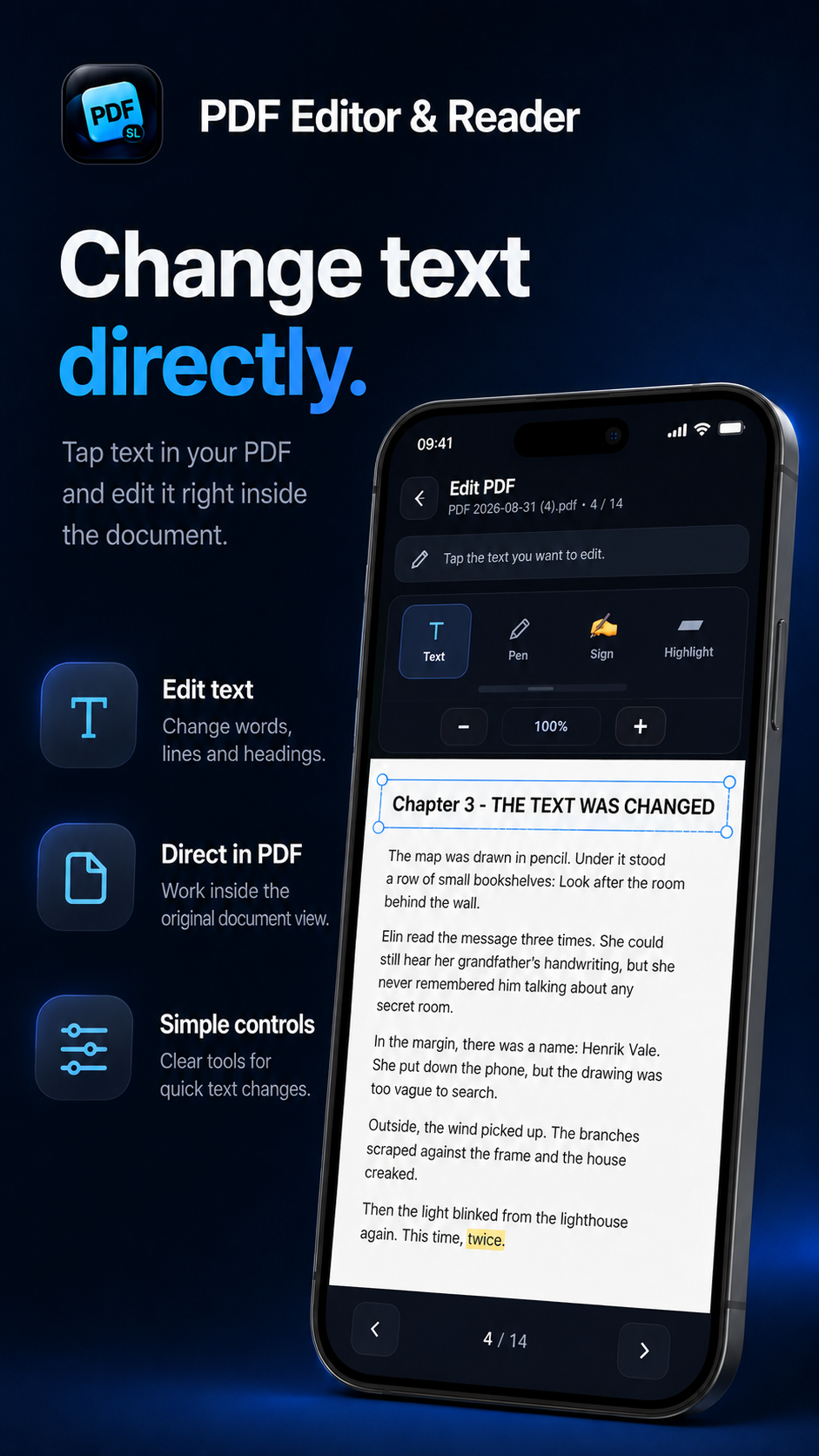
Change text directly in your PDF.
Tap the text you want to change and update the document.
- Text mode for detected text
- OCR support where needed
- Preview the result in the document
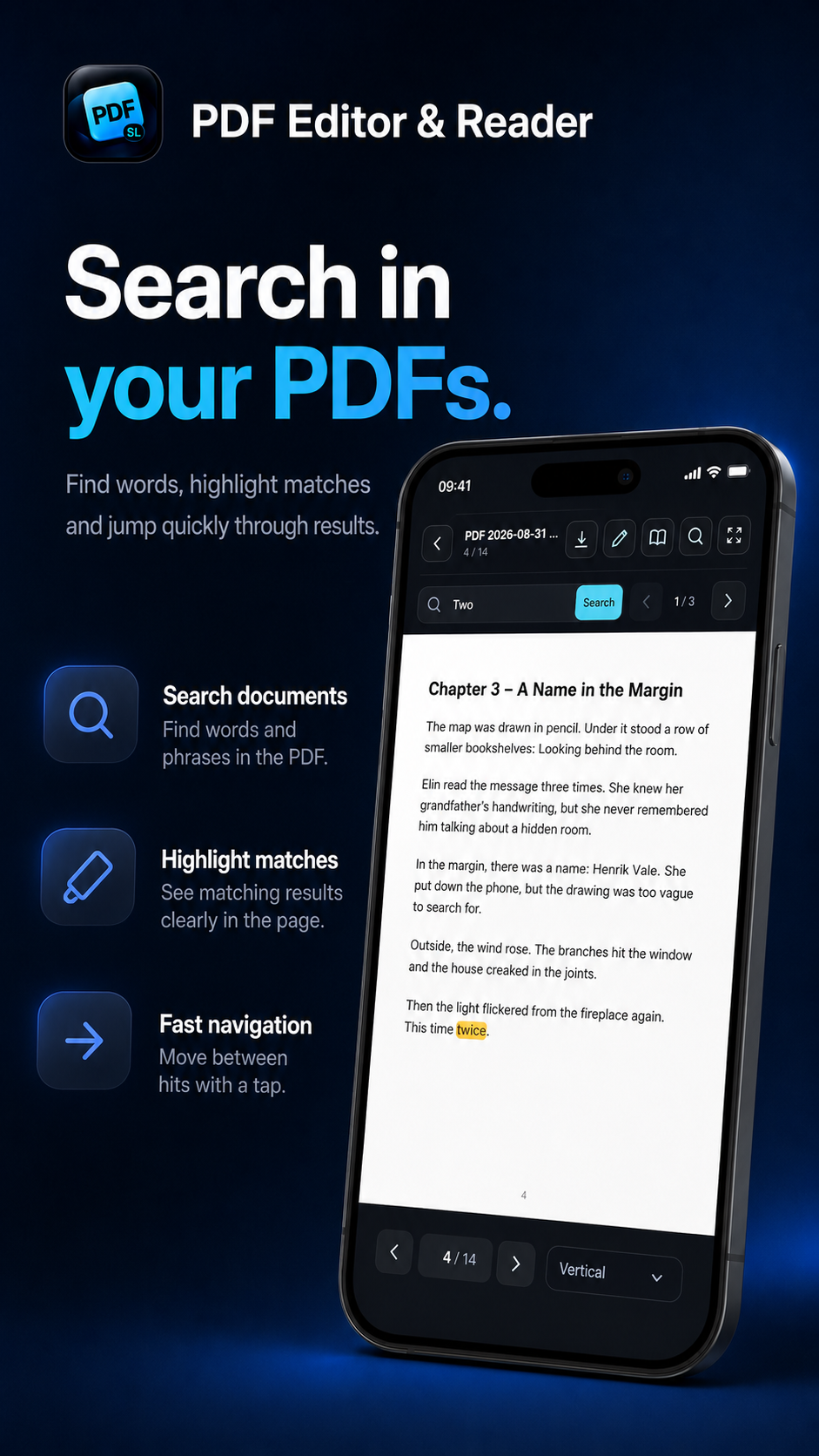
Search inside your PDFs.
Search for words and phrases, highlight matches and jump between results.
- Highlighted matches
- Quick result navigation
- OCR for scanned documents
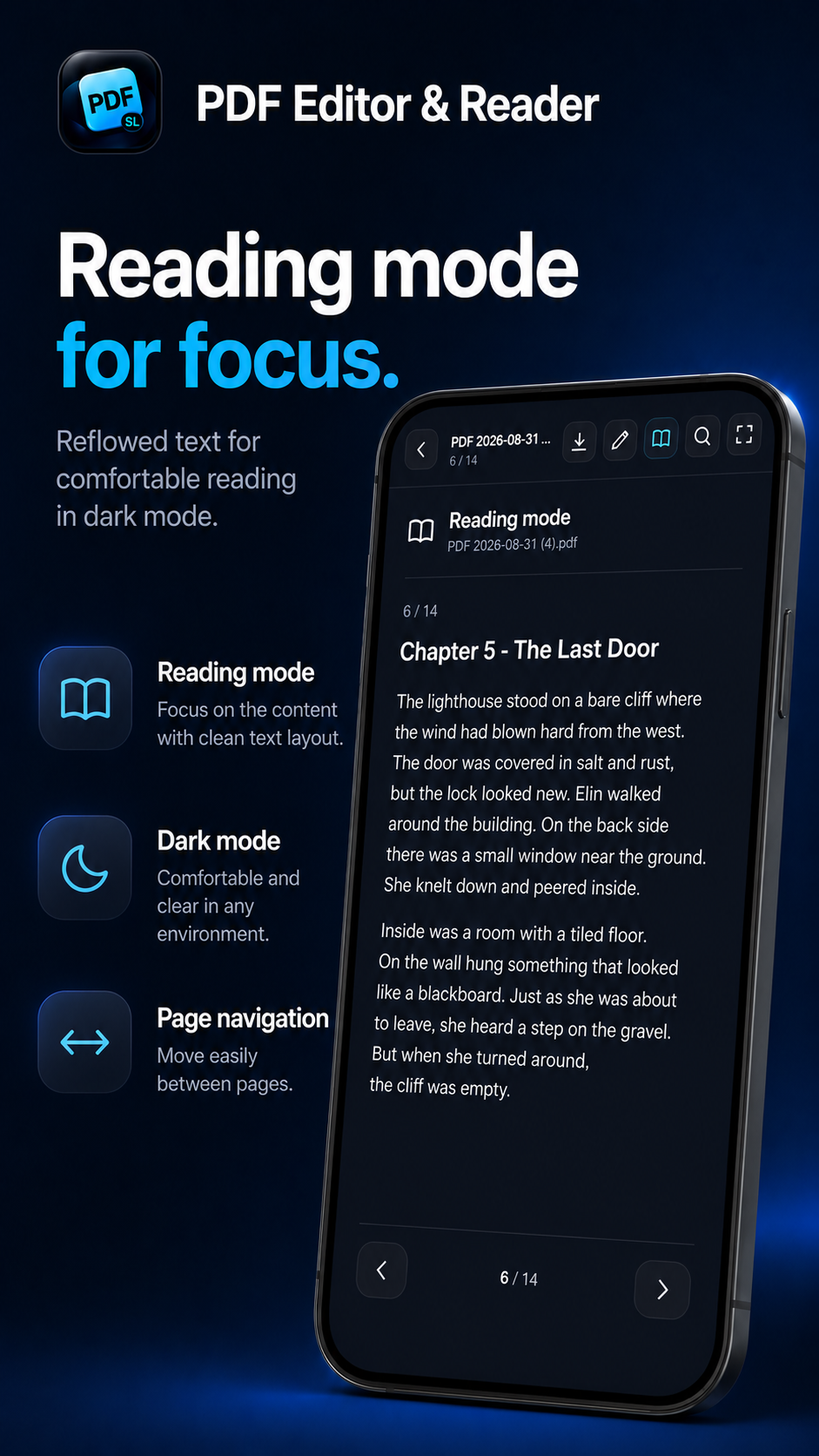
A cleaner PDF reading mode.
Focus on the content with a reflowed, mobile-friendly text view and simple page navigation.
- Clean text view
- Dark interface
- Page-by-page navigation
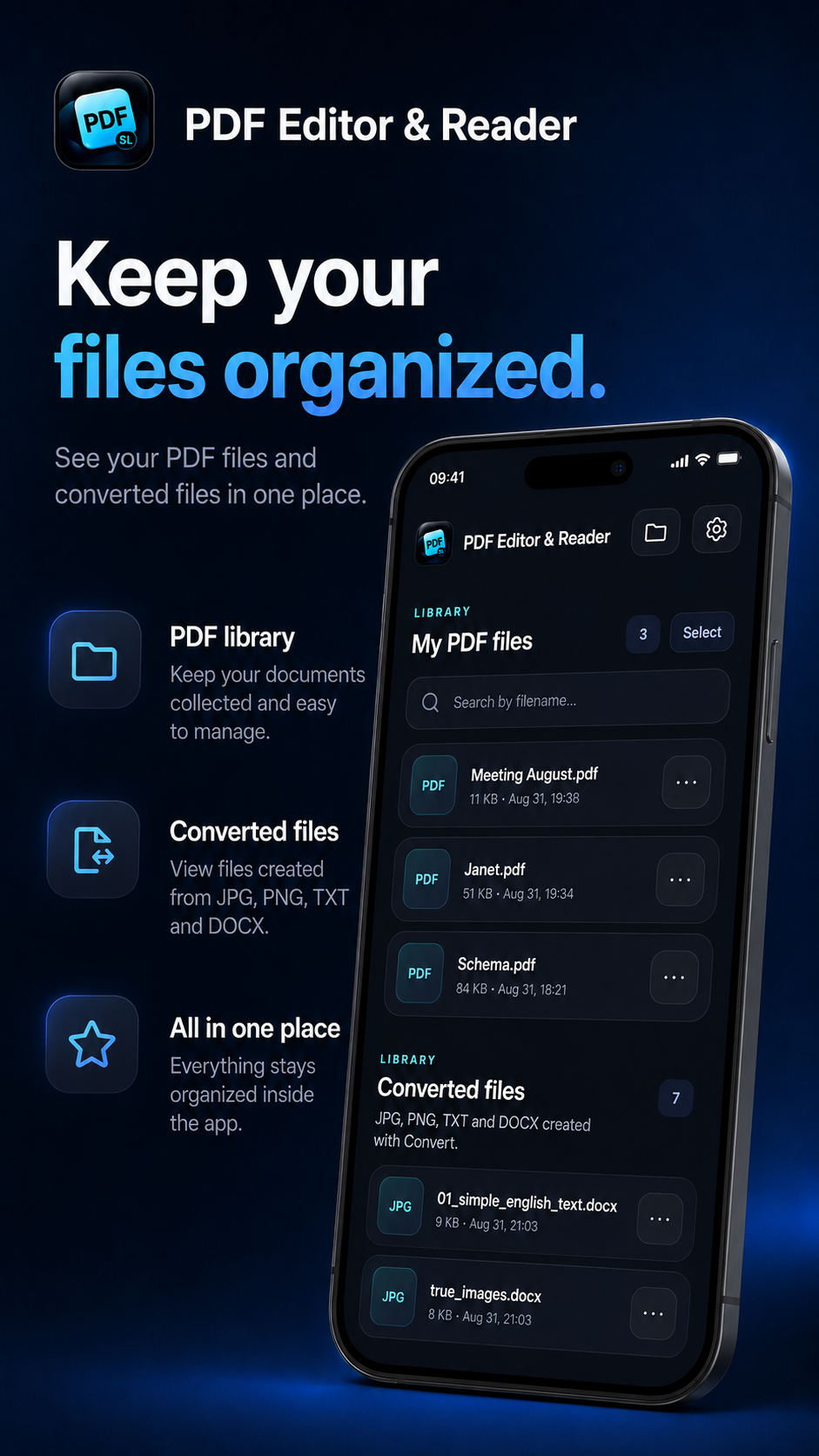
Keep every file organized.
See PDFs and converted files in the app and find what you need faster.
- PDF library
- Converted JPG, PNG, TXT and DOCX
- Search by filename
- Export and share
What's new
- PDF to PNG
- OCR for scanned documents
- Text, drawing and highlighting tools
- Horizontal swipe reading mode
- Improved file handling and export
- Improved reading mode and document navigation
Your documents stay on your device.
Core PDF and document features work locally. The app uses Google Mobile Ads for advertising and Google UMP for ad-related privacy choices.